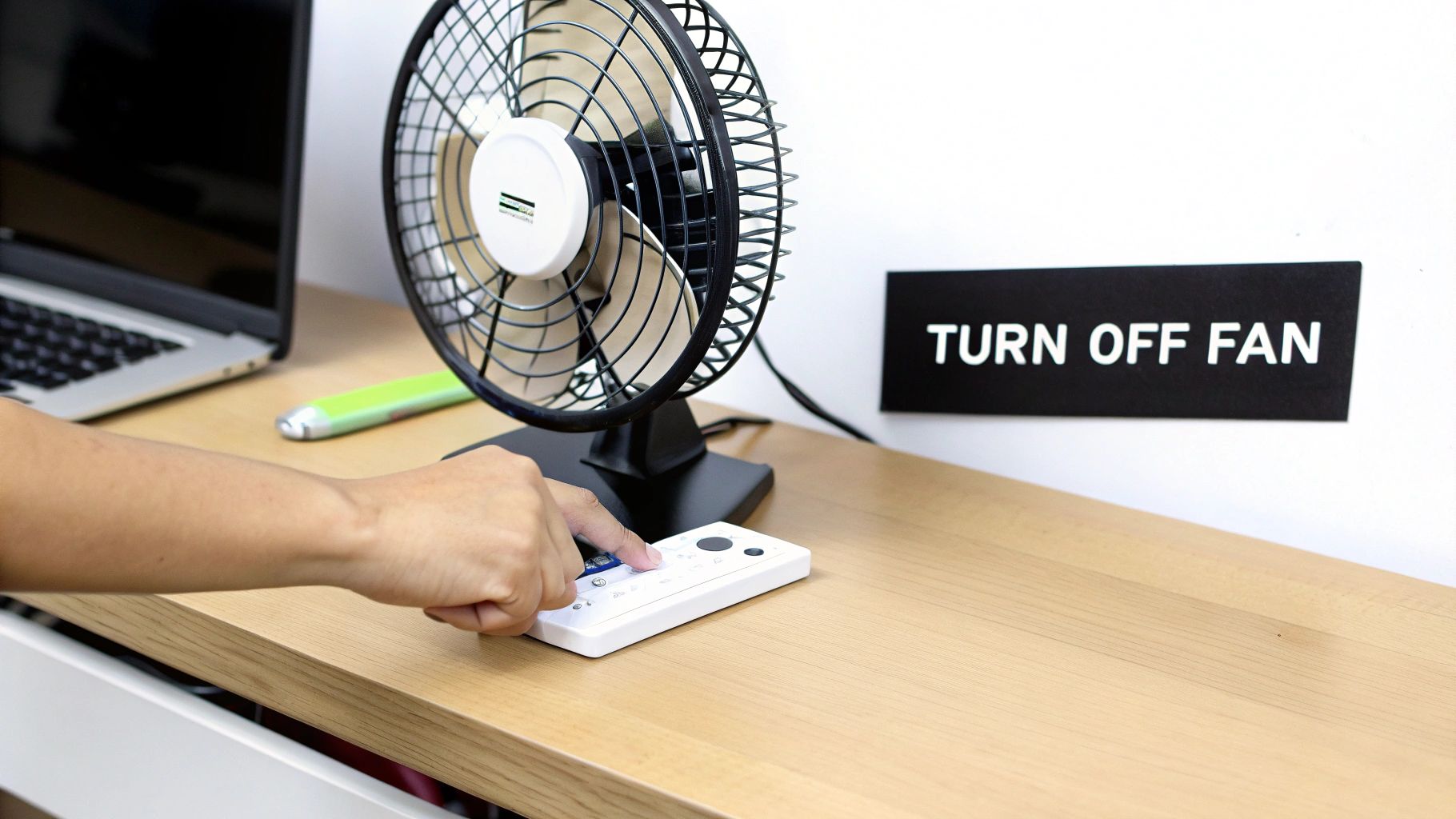
Knowing how to turn off your clip-on fan seems simple, but getting it wrong can drain your battery. Most models use a single push-button to cycle through speeds before powering down. Others have a dedicated on/off switch.
The key is knowing which type you have to ensure it’s actually off and not just running on its quietest setting.
Mastering Your Clip On Fan Controls
Clip-on fans are essential for personal cooling at desks, on patios, and in workshops. This isn't just a trend; the personal fan market is projected to more than double from USD 0.59 billion in 2025 to over USD 1.2 billion by 2035. You can see the full data on the growth of the personal fan market on businessresearchinsights.com.
Learning to shut down your fan correctly saves power and extends its lifespan. Most fans use one of a few common control types, each with its own method for turning off.
Identifying Your Fan's Power Switch
First, identify your fan's controls. Many use a single button you press repeatedly to cycle from Low -> Medium -> High -> Off. Others have a dedicated power button. A few models might use a dial or require a long press to power down.
Pro Tip: Always double-check that the blades have stopped moving. Newer, ultra-quiet models are nearly silent on low, making it easy to leave one running by mistake and find a dead battery later.
This quick guide covers the most common control setups on clip-on fans.
Common Clip On Fan Controls and How to Turn Them Off
This table breaks down typical power controls so you can identify yours and shut it down correctly.
| Control Type | How It Works | How to Turn Off |
|---|---|---|
| Single Push-Button | Cycles through fan speeds with each press. | Press the button repeatedly until the fan blades stop spinning. The "off" setting is usually the last in the cycle. |
| Dedicated Power Switch | A separate button or switch for power. | Press the power button once or move the switch to the "Off" position. |
| Long-Press Button | A single button controls speed (short press) and power (long press). | Press and hold the button for 2-3 seconds until the unit powers down. |
Once you know your fan's control type, powering it off becomes automatic, ensuring it’s ready for the next time you need it.
How to Get the Most Out of Your Fan’s Battery
You want your clip-on fan to last. A few smart habits can significantly improve its battery life and performance.
The biggest battery drain is running the fan on its highest setting. It's like flooring the gas pedal in a car—it's powerful but burns through fuel fast.
Start on the lowest speed. Often, it's all you need. Only increase it if necessary. This simple change can easily double your fan's runtime, getting you through an entire afternoon or event without a recharge.
Smart Charging Habits for a Longer Lifespan
How you charge your fan is as important as how you use it. The lithium-ion batteries inside need proper care. Before its first use, charge the fan completely without interruption to help calibrate the battery's capacity.
Pro-Tip: Avoid leaving your fan plugged in 24/7. While most have overcharge protection, keeping a battery at 100% constantly can wear it out faster. Unplug it once it's fully charged.
To maximize battery health, learn the best practices for charging lithium-ion batteries. If storing the fan for a long period, like over winter, don't leave it fully charged or completely dead. Aim for a partial charge of around 50-70% for optimal long-term battery health.
These fans are efficient thanks to modern brushless DC motors, which are quiet and use only 1-2 watts of power. This engineering makes portable cooling so convenient.
Follow these tips, and your fan will be a reliable tool for years. For more portable cooling options, check out our guide on battery-operated table fans.
Smart Placement for Better Airflow and Comfort
Where you place your fan is as important as its speed settings. Strategic placement can turn a simple fan into a powerful tool for comfort and pest control. The goal is to create smart, effective airflow, not just blast air in one direction.
For personal use at a desk or bedside, avoid aiming the fan directly at your face. This common mistake can cause dry eyes and skin. Instead, clip it slightly to the side or above you, angled to circulate air around your space. This creates a gentle, more pleasant breeze.
Creating an Air Curtain Outdoors
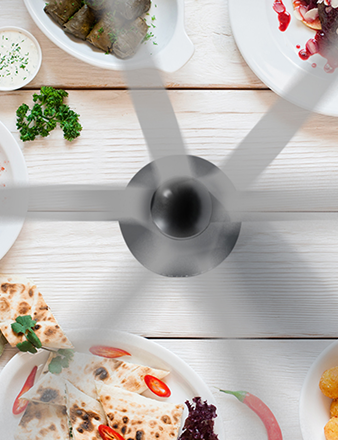
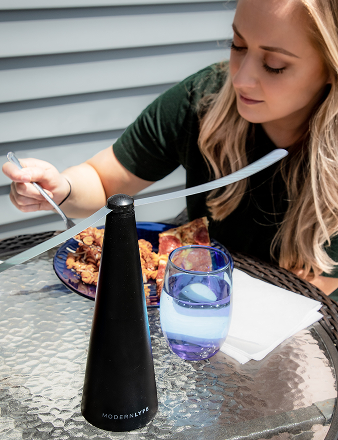
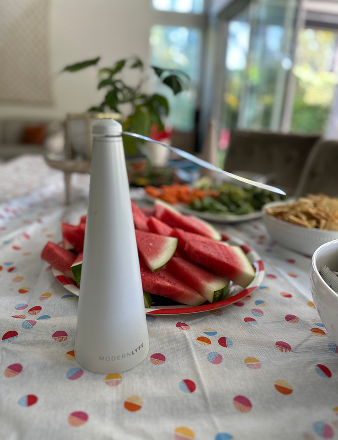
Clip-on fans excel outdoors. On a patio or cafe table, they can create a subtle "air curtain" to keep flies away from food. The trick is to generate a consistent, gentle downward and outward airflow over the tabletop.
Here’s how to do it effectively:
- Use More Than One: A single fan can just push flies around. Two or more fans working together is the key.
- Angle Them Correctly: Position the fans above and slightly away from the table, angled down at about 45 degrees.
- Create a Cross-Breeze: Place them on opposite sides of the table to create a gentle, invisible barrier of moving air.
This is a quiet, non-intrusive method that works well. For more ideas on outdoor comfort, see our guide to the best outdoor table fans.
The right placement transforms your fan from a simple device into a tool for creating a comfortable environment.
It's no surprise these cooling solutions are popular. The portable fan market was valued at over USD 519 million in 2024. As more people work from home and live in smaller spaces, these compact fans are becoming essential. Learn more about the projected growth of the portable fan market on datahorizzonresearch.com.
This concept map shows how fan speed, charging habits, and storage all affect the battery's health.
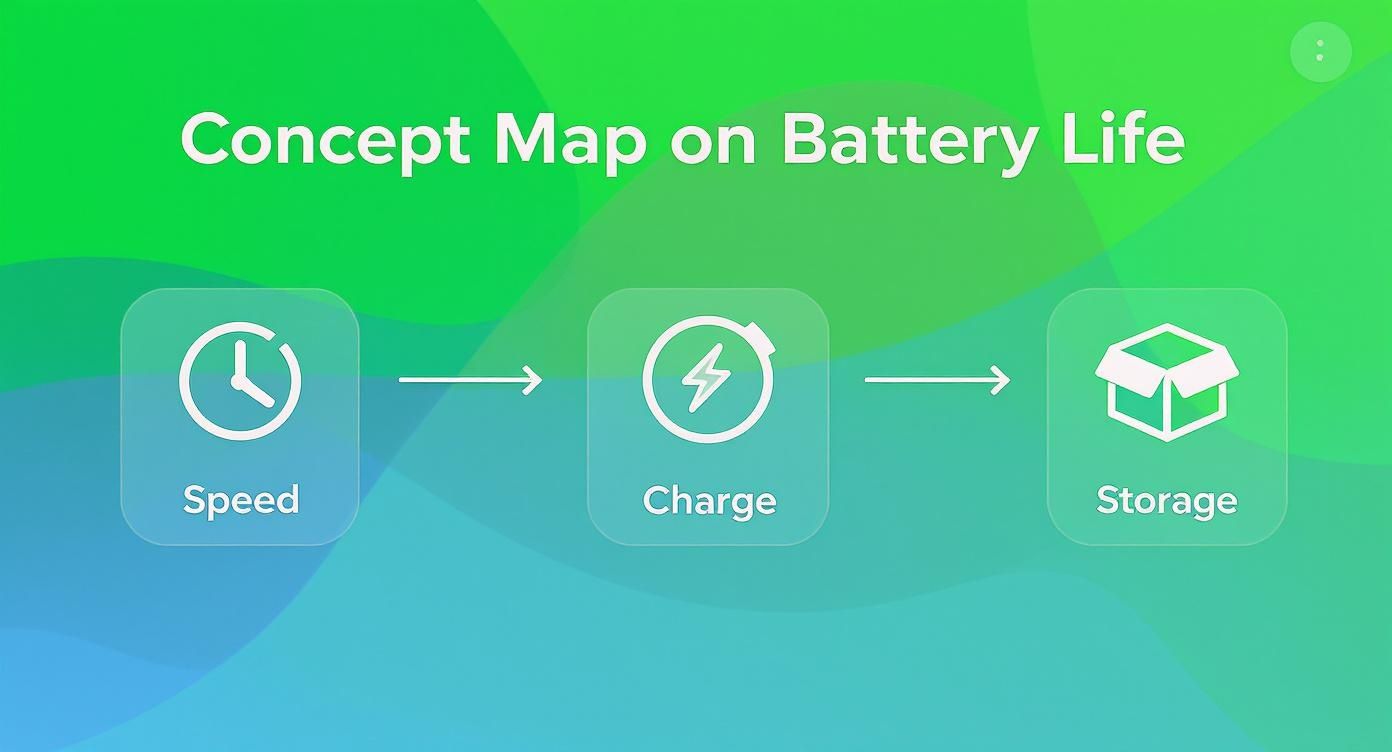
Using lower speeds and smart charging are the two most effective ways to keep your fan's battery performing well for a long time.
A Few Pointers on Maintenance and Safety

Taking care of your clip-on fan isn't just about longevity—it’s about safety. A little upkeep prevents dust from clogging the motor, ensuring the fan runs smoothly and reliably.
Cleaning only takes a few minutes. First, make sure the fan is completely off and unplugged. Never use water or harsh cleaners, as they can damage the internal electronics.
Use a dry microfiber cloth or a soft-bristled brush to wipe down the blades and casing. If the front grille is removable, take it off for better access to the blades. This simple routine keeps your fan running efficiently and quietly.
Essential Safety Precautions
Beyond cleaning, a few common-sense safety habits are crucial. They're simple but can prevent accidents and extend your fan's life.
Water and electronics don't mix. Never use your fan near a sink, in a steamy bathroom, or anywhere it might get wet. This poses a serious risk of short-circuits or electrical shock.
Here are a few other key safety checks:
- Mind the Grille: The grille is a safety feature. Always ensure it's securely in place to keep fingers and other objects away from the spinning blades.
- Use the Right Cable: Stick to the charging cable that came with your fan or a high-quality, certified replacement. An incompatible charger can damage the battery or create a fire hazard.
- Inspect It Regularly: Occasionally check for wear and tear. A frayed cord or a cracked casing is a clear sign to stop using the fan and replace it.
For more tips on maintaining your cooling equipment, check out this guide on [DIY maintenance for cooling systems](https://alcairconditioning.com.au/blog/split-system-air- conditioner-maintenance-diy-guide-when-to-call-a-pro/).
Troubleshooting Common Clip On Fan Problems
https://www.youtube.com/embed/i0UiSQgMHJ8
Even the best fans can have issues. If yours acts up, don't assume it's broken. The fix is usually simple and takes just a few minutes of troubleshooting. The most common culprits are power-related, a minor obstruction, or a battery that needs a reset.
If your fan won't turn on, start with the basics. Is the USB cable seated firmly in both the fan and the power adapter? Cables can get knocked loose. Try a different USB port or a charger you know is working.
Sometimes, the button is the issue. Many fans require a long press to power on as a safety feature. You might not be holding it down long enough. Try pressing and holding the power button for 3-5 seconds.
Quick Fixes for Common Fan Issues
A quick diagnostic checklist can save you a lot of frustration. Whether you're dealing with a strange rattle or a fast-draining battery, the solution is often straightforward. Approach it logically, starting with the simplest fixes.
For example, a sudden rattling noise is rarely a major mechanical failure. It's usually just a small piece of debris in the housing or a loose fan grille. A quick clean and tightening will typically solve it.
A battery that seems dead isn't always a lost cause. If the fan hasn't been used in a while, the battery might be in a deep discharge state. Plug it in and let it charge for several hours, even if the indicator light doesn't turn on immediately. This can often revive it.
This guide will help you diagnose the most common issues. For a deeper dive into battery life and other tips, read our complete guide to battery-powered cooling fans.
Clip On Fan Troubleshooting Guide
This table breaks down the most frequent problems with portable fans and gives you the exact steps to fix them.
| Problem | Possible Cause | Solution to Try |
|---|---|---|
| Fan Won't Turn On | The battery is dead, or the power connection is faulty. | Charge the fan for at least one hour using a working cable and adapter. Press and hold the power button for 3-5 seconds. |
| Battery Doesn't Hold a Charge | Battery life has degraded, or it's not charging fully. | Perform a full charge cycle: drain the battery completely, then charge it to 100% without interruption. |
| Unusual Noise or Rattling | Debris is caught in the blades, or the grille is loose. | Turn off and unplug the fan. Check for and remove obstructions like hair or dust. Ensure the grille is securely fastened. |
| Fan Speed Seems Weak | The battery is low, or dust buildup is slowing the blades. | Fully charge the fan. Carefully clean the fan blades and grille with a dry cloth to remove dust. |
By working through these simple checks, you can solve most clip-on fan issues yourself and get back to enjoying a cool breeze.
Answering Your Top Questions
Have a question about using or maintaining your clip-on fan? Here are the answers to the most common queries.
Is It Okay to Leave the Fan Plugged In 24/7?
You can, as most modern fans have overcharge protection. However, it’s not the best practice for long-term battery health.
Keeping a lithium-ion battery at 100% charge constantly puts minor stress on it, which can reduce its lifespan over time. The best approach is to unplug it once it's fully charged.
What's the Safest Way to Clean the Fan Blades?
First, always power off and unplug the fan. Safety first. If the front cover is removable, take it off for easier access.
A soft cloth or a Q-tip works perfectly for wiping down the blades. For stubborn dust, you can lightly dampen the cloth, but never spray liquid directly into the fan's housing. Let everything air dry completely before reassembling and plugging it in.
Quick Tip: A clean fan runs better. That layer of dust makes the motor work harder, which can lead to more noise and weaker airflow.
My Fan Is Fully Charged but It Won't Start. Now What?
Don't panic; this is usually an easy fix. Before assuming it's broken, try these steps:
- The Long Press: Many fans require a long press to turn on. Try holding the power button for a full two to three seconds.
- Rule Out the Charger: Use a different USB cable and charging block that you know works. The issue might be the accessories, not the fan.
- Check for Jams: With the fan off, gently nudge the blades. If they feel stuck, a small piece of debris may be wedged inside.
If you've tried all these steps and it still won't power on, there might be a more serious internal issue with the motor or battery connection.
Ready to create a more comfortable and pest-free environment? Explore the elegant and effective fly fan solutions from MODERN LYFE and find the perfect fit for your needs.