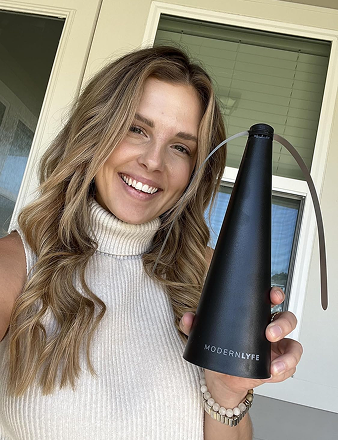
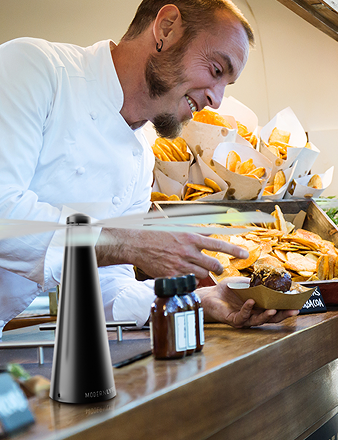
A 2025 assessment by the Hong Kong Consumer Council found portable-fan energy use varied by more than 4.5 times. The most efficient model used 2.57 Wh to deliver 100 m³ of air. The least efficient used 14.63 Wh. A bigger battery or a higher top speed doesn't tell you that.
Judge a USB rechargeable fan by airflow delivered per watt-hour and by measured noise at a stated distance. Treat charging heat as a staff safety question, not a convenience footnote. For a patio, buffet, or food truck, the unit has to last the service, stay out of the conversation, and stay cool on the charger.
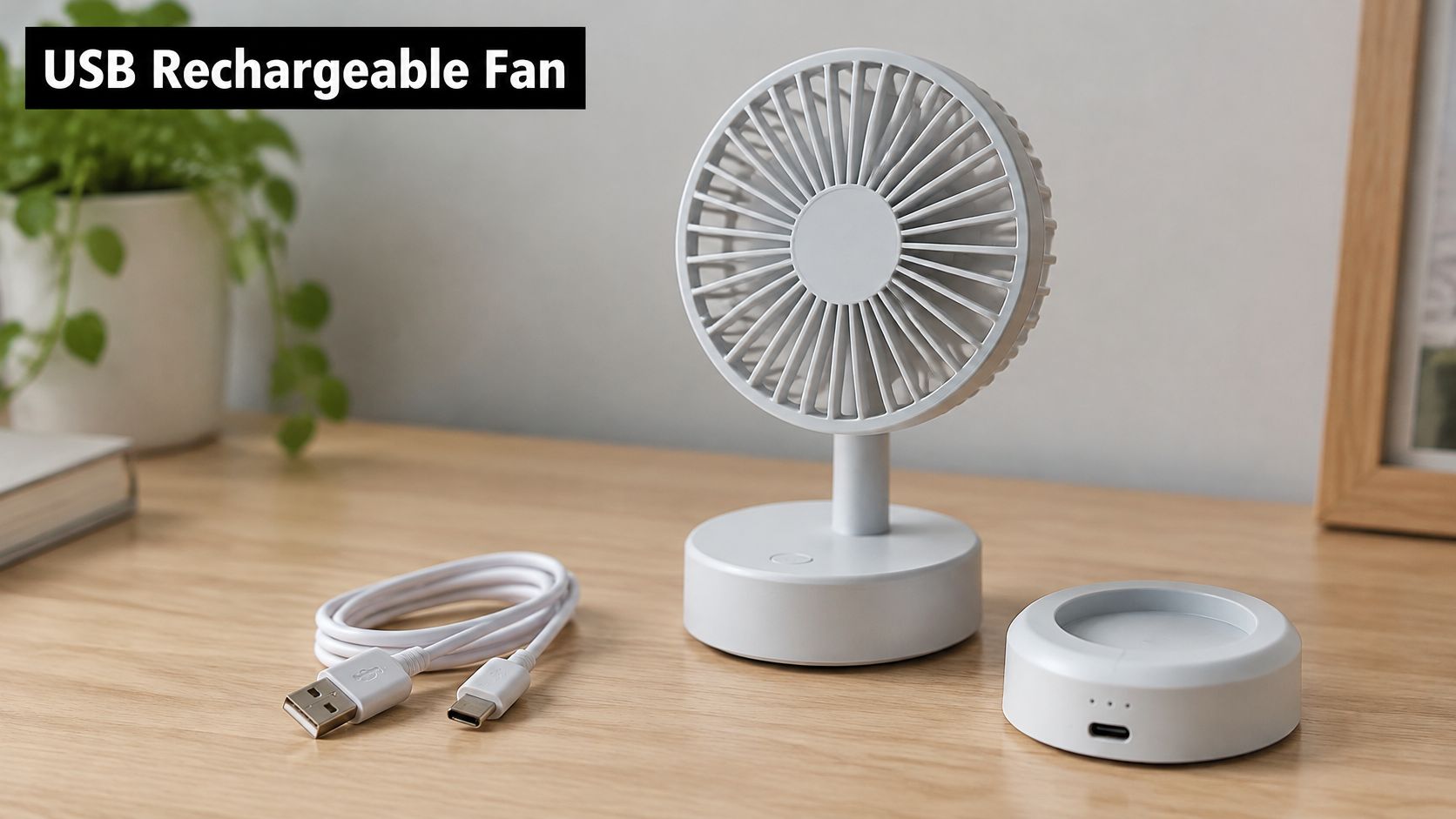
What a USB Rechargeable Fan Is and How It Runs
A USB rechargeable fan is a small battery-powered fan that charges from an ordinary USB cable. It works like a power bank with a propeller.
Picture three parts. A lithium-ion cell stores the energy. A charging circuit decides how fast that cell fills and stops it from overcharging. A compact motor turns the blades. Unplug the cable and the cell keeps the motor going. Plug it back in and the circuit refills the cell, if the motor isn't pulling more current than the charger can spare.
Say a cafe closes at 10 p.m. Staff set two table fans on a USB adapter overnight. By breakfast the cells are full, and the same fans sit on the patio with no wall socket in reach. That only works because the charger, the cable, and the fan agree on a common power format. No proprietary brick is required.
That agreement took years to build. Wikipedia's USB overview traces the shift from a data plug to a power source. USB Battery Charging 1.0 in 2007 allowed charging currents up to 1.5 amperes, equal to 7.5 watts at 5 volts. USB Power Delivery 1.0 in 2012 raised negotiated power to as much as 100 watts. A small fan needs only a fraction of that ceiling, so it runs from a laptop, a wall adapter, a vehicle socket, or a power bank.
The port doesn't set the rules. A charger may offer far more power than the fan can safely accept. The fan's battery-management circuit sets charging speed, safety cutoffs, and usable runtime. A 100-watt brick won't fill a tiny cell any faster than the circuit allows.
If you also spec larger airflow hardware for a kitchen or warehouse, the Material Handling USA fan selection shows how industrial cooling fans are chosen by duty, not by a marketing speed number. Table fans follow the same logic at a smaller scale. The numbers on the box still tell only part of the story.
Key Specs That Decide Real Performance
Buy from a short list of checks, not from a hero number on the carton. Runtime, airflow, and noise only mean something when the speed is named.
| Spec | What to check | Why it matters |
|---|---|---|
| Runtime per charge | Stated at a named speed, battery only | Shows whether the fan lasts a full service |
| Runtime while charging | Yes or no, stated by the maker | Tells you whether the fan can stay on at the table during a charge |
| Energy per 100 m³ of air | Wh per 100 m³ at the same speed | Best single efficiency measure; tested range was 2.57 Wh to 14.63 Wh |
| Airflow at operating speed | m³/h at the speed you will use | Shows whether air actually reaches the food or the guest |
| Noise level | dBA measured at 1 m, with the speed stated | Guest comfort and staff exposure |
| Full charge time | Hours from empty to full | Lets you plan charging between services |
| Mounting and size | Clip, base or stand; dimensions in cm | Confirms fit with table and buffet space |
| Grille and blade guard | Full guard over the blades | Prevents finger contact in food areas |
Speed costs more than airflow
The row most buyers skip is energy per 100 m³. Capacity in milliamp-hours doesn't say how much air you get. Top speed doesn't either.
Nidec's fan engineering guide puts numbers on the trade-off. Doubling rotational speed can approximately double maximum airflow while raising maximum static pressure about four times. Noise climbs even faster. The same guide describes a sixth-power relationship between speed and noise-related output. A fan left on maximum through a dinner service burns the cell and raises the room level for a gain guests barely feel. Drop one speed and perceived noise falls hard. Blade shape, motor control, the grille, and distance still change the result, so compare models at the speed you will use.
Airflow and static pressure belong in a wind tunnel or a standardized double-chamber rig. Noise is a sound-pressure level, commonly taken at 1 m from the intake in a quiet room. Marketing copy that skips those conditions isn't a spec.
Practical rule: Compare watt-hours per 100 m³ at one shared speed. A larger cell on a clumsy blade can lose to a smaller cell on an efficient one.
A test you can run before you buy
For buffet lines, patios, and food trucks, three checks beat a runtime claim. The same logic applies when you shortlist battery-operated table fans for a dining room.
- Measure airflow at each speed. Note whether the stream still reaches the plate or the guest once the guard is on.
- Record noise at a stated distance. Use 1 m, name the speed, and don't accept "quiet" with no decibel figure.
- Time continuous runtime twice. Once on battery only, once with the cable connected, so you know if charging keeps up with the motor.
How Loud Is Too Loud for a Dining Room
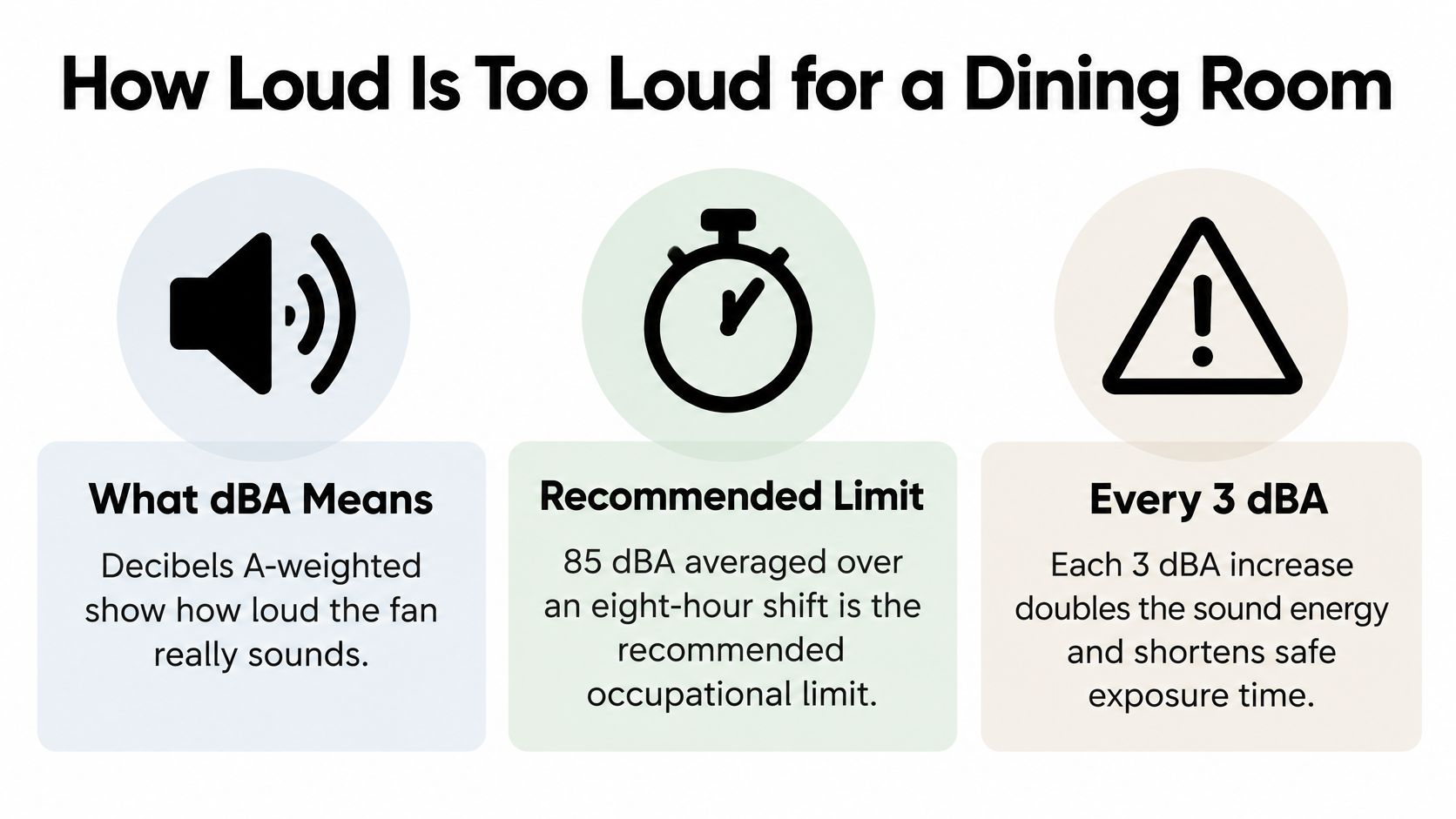
For dining rooms, judge a fan by its measured sound at the distance where guests and staff sit, not by a “quiet” label. dBA is A-weighted decibels, a measure adjusted to reflect how people hear. Without a measured figure and test distance, a fan's noise level is unknown.
NIOSH noise guidance sets 85 dBA averaged over eight hours as a reference limit. Its recommended exposure time halves with every 3 dBA increase. At 100 dBA, NIOSH recommends less than 15 minutes of daily exposure. OSHA's noise page sets a legal permissible exposure limit of 90 dBA averaged over eight hours for general industry. It requires a hearing-conservation program at 85 dBA averaged over eight hours, and controls when exposure exceeds 90 dBA over eight hours.
What the time cuts mean on the floor
These exposure figures apply to total noise, not to a single fan. Kitchen equipment, refrigeration, music, traffic, and conversation all contribute. A fan adds to that background, so assess it at the speed you plan to run during service.
| Sound level (dBA) | Recommended daily exposure | Practical reading |
|---|---|---|
| 85 | 8 hours | NIOSH reference limit for a full shift |
| 88 | 4 hours | Calculated with the 3-dBA rule |
| 91 | 2 hours | Calculated with the 3-dBA rule |
| 94 | 1 hour | Calculated with the 3-dBA rule |
| 97 | 30 minutes | Calculated with the 3-dBA rule |
| 100 | Under 15 minutes | Matches the NIOSH example cited by OSHA |
| 103 | About 7.5 minutes | Calculated with the 3-dBA rule |
Treat 85 dBA as a worker-exposure reference, not a dining-room comfort target. If the kitchen hood and speaker already make a station loud, added fan noise can make conversation harder and increase staff exposure. Choose the lowest speed that does the job.
A low-noise fan still adds to the room. It is not silent.
Compare sound readings taken at the same speed and distance, ideally 1 m. Then listen from the guest seat and the staff station. Explanations of quiet fan technology can help you interpret a noise claim, but the stated test conditions matter.
At weddings, keep a fan away from speakers and the ceremony's audio path. Planners who compare traditional and contemporary processional orders are already mapping where people walk and where sound sits. Place the fan outside that route so it does not compete with spoken cues or music.
A short briefing on how decibel limits work in practice:
Placement and Use Cases by Setting
Aim the stream across the food-level zone. Don't blow napkins, crumbs, or dust onto plates. If the tissue at the plate barely moves, the fan is decoration. If it flings a napkin, it's too close or too fast.
Four mounts and where they fail
Clip-on table-edge clamp. Best on bar tops and cafe tables. It fails when the edge is glass or thicker than the jaw, and the fan walks off mid-service.
Freestanding base. Best on buffet lines and flat patio surfaces. It fails when a guest or a busser knocks it into the walkway.
Pole or stand. Best when a reception needs height and a wider sweep. It fails on soft grass, where the pole tips as soon as someone brushes it.
Wall, ceiling, or overhead bracket. Best at a permanent station or under a cover. It fails if you skip clearance from lights and if nobody owns the electrical work.
| Setting | Main pest problem | Placement | Runtime needed |
|---|---|---|---|
| Restaurant patio | Flies at dining tables | Table edge or base | Full dinner service |
| Buffet line | Flies landing near exposed food | Base at the line edge, outside the food zone | Full service window |
| Outdoor reception or wedding | Flies at dessert and cake tables | Low base beside the cake table | Length of the event |
| Food truck service window | Flies drawn to the open window | Clip or base on the window ledge | Full shift |
| Backyard barbecue | Flies at the picnic table | Table-edge clip | One evening |
Airflow doesn't replace a barrier
The FDA Food Code requires food-establishment perimeter walls and roofs to protect the premises from weather and from insects, rodents, and other animals. Outdoor food-vending machines need overhead protection, except machines vending canned beverages. A fan near a buffet or a service window is one extra control. Covers, sanitation, and physical barriers still do the legal job. Airflow alone doesn't.
Run a 30-second check before guests sit. Hold a tissue at the target spot and confirm it moves at the speed you intend to leave on. If it only moves on maximum, pick another mount or another spot. Don't turn the fan up and hope the room tolerates it.
Charging and Heat Safety During Service
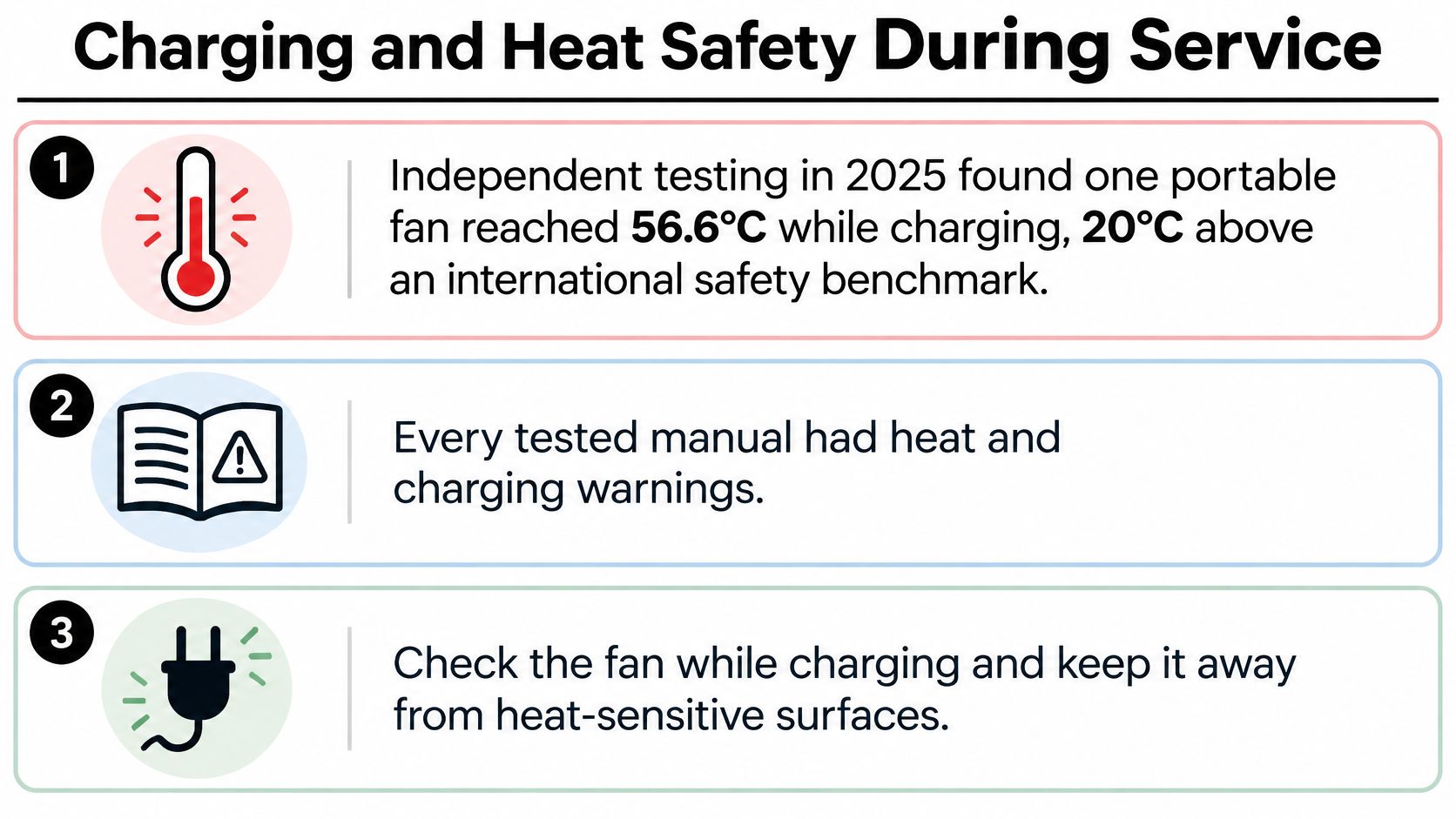
One overheated fan can disrupt service. Charge fans before the shift in a ventilated area, away from grills, heat lamps, and sun-baked counters. Keep charging units uncovered and off buffet passes.
Pre-event charging checklist
- Use the maker's cable and adapter. A higher-wattage adapter is not automatically safer. Follow the fan's input rating.
- Allow time for charging. A USB 2.0 port may provide only 100 mA before a device identifies itself and up to 500 mA afterward, according to Analog Devices' USB battery-charging guide. A slow charge can be normal.
- Check whether the fan can run while charging. The motor may draw power faster than the charger supplies it, so the battery can still drain. Review the maker's runtime and charging instructions, and use this guide to understand how long batteries last.
- Keep the unit uncovered. Do not charge it under a tablecloth, in a tub, or inside a closed bin.
- Keep charging away from hot equipment. Do not leave a fan charging beside grills, heat lamps, or other hot surfaces.
A USB connection supplies power, but the fan's charging circuit must manage the battery. Follow the manufacturer's charging instructions. Stop charging if the housing exceeds the maximum temperature printed in the manual or on the product label.
Take a fan out of service if its housing becomes unusually hot, or if it is swollen, cracked, or giving off an odor. Report the problem and keep the unit off the table.
Cleaning and Maintenance to Keep Blades Running
Dust on a guard cuts airflow at the same speed you already chose. A dirty fan pushes you toward a higher setting, which costs battery and adds noise. Cleaning is a performance task, not a cosmetic one.
- Switch off and unplug. Let the housing cool before anyone touches the guard or the port.
- Wipe the housing with a damp cloth and mild soap. Keep liquid out of vents, buttons, and the charging port.
- Brush the grille. A soft brush lifts dust the cloth smears. That dust is what steals airflow.
- Check the blades for dust, bent edges, or wobble. A wobbling blade means stop use until it's realigned or replaced.
- Inspect the cable and port for fraying, bent pins, or a plug that falls out.
- Dry every part before the fan goes into a bin or a drawer.
Storage and the mistakes that kill fans
Keep the unit in a cool, dry place, out of direct sun. If it sits unused, top up the cell every few months. That's ordinary care for lithium-ion packs that spend the off-season in a closet. The same habit applies to a winterized patio set.
- Don't spray liquid into the vents. Cleaner inside the motor becomes a failure next weekend.
- Don't use harsh solvents on the plastic. They haze the housing and can crack a guard.
- Don't store a fan with a damaged cell. Swelling or odor means it stays out of the box and out of service.
Dust control on the guard is the same idea as filter care on other air equipment. BacteriaFAQ's guide to purifier filter cleaning is a useful parallel for why a clogged surface ruins the result you paid for.
Wipe the fan after each event. Do the full six-step check once a month, or before the first outdoor booking of the season. That's enough to keep blades true and ports reliable.
Choose the Right Fly Fan Before Your Next Event
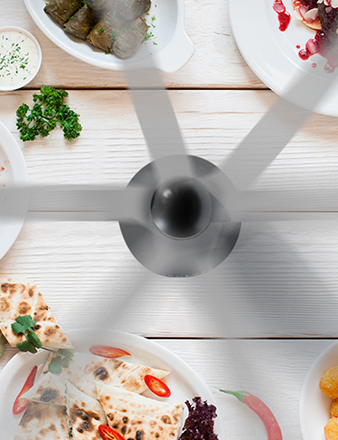
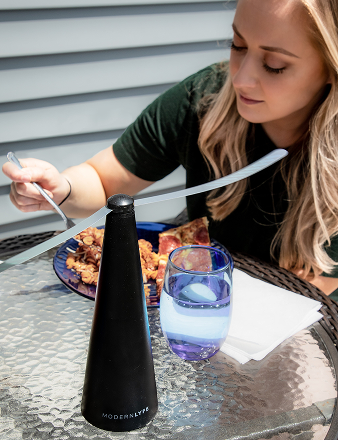
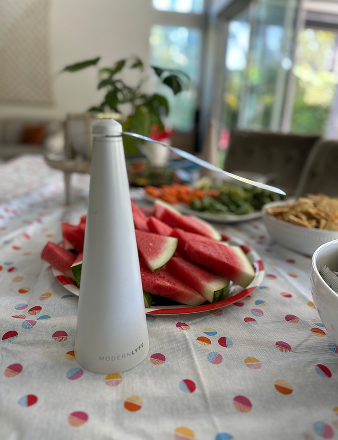
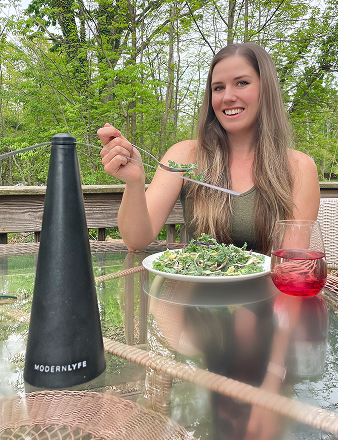
For a table fan, judge performance by useful airflow per watt-hour and noise at a stated distance, not by battery size or top speed alone. Modern LYFE's Fly Fan for Tables is designed for indoor and outdoor dining, patios, parties, food trucks, and al fresco cafes. It helps keep flies and pests away from food without using scented repellents.
| Feature | Modern Lyfe Fly Fan for Tables | What to verify on any fan |
|---|---|---|
| Power source | Included USB cable or two AA batteries, not included | Whether it can run from USB or batteries |
| Runtime | Over 8 hours per charge | Runtime at the speed you plan to use |
| Safety | Automatic safety stop; touching the soft blades stops them, and they restart when released | Blade safety and stop behavior |
| Storage | Long blades drop when switched off | How the blades store when the fan is off |
| Size | Plastic body, 8.4 x 8.4 x 24.9 cm | Fit on the table or buffet |
| Measured noise | No dBA figure stated | Noise in dBA at 1 m and a stated speed |
The included USB cable powers the fan, or use two AA batteries when a cable is unavailable. The AA batteries are not included. Its automatic safety stop means the soft blades stop when touched and restart when released. When switched off, the long blades drop for easy storage.
Runtime alone does not show how much airflow the fan delivers for its energy use. Compare useful airflow per watt-hour where that figure is available, and check runtime at the speed you will use. The product's runtime is over 8 hours per charge. The maker does not state a measured noise level in dBA, so assess sound at 1 m and the operating speed you plan to use. A customer described the fan as quiet, but that report is not a measured noise rating.
Choose the model for the service setup. A patio or cafe needs a stable place on the table; a buffet or reception needs a position that keeps the unit clear of food and guest movement. For a food truck, check that the fan fits the serving area without obstructing the pass.
- Pick the venue. Match the fan to a patio table, buffet, reception, food truck, or home gathering.
- Check the fit. The fan measures 8.4 x 8.4 x 24.9 cm. Confirm the table has room for it.
- Assess performance. Compare airflow per watt-hour, noise at 1 m and a stated speed, and runtime at the setting you will use.
- Choose a color. The range comes in black, grey, pink, and white.
Modern LYFE offers Fly Fans for Tables in four colors. For a practical, odor-free way to keep flies and pests away from food indoors or outdoors, visit MODERN LYFE and choose a fan for your setup.