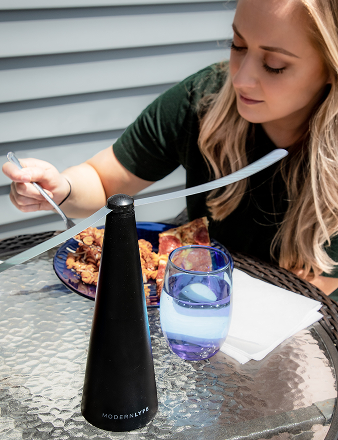
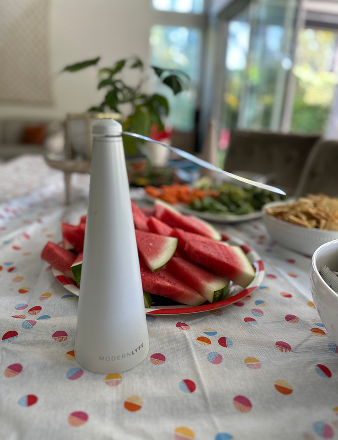
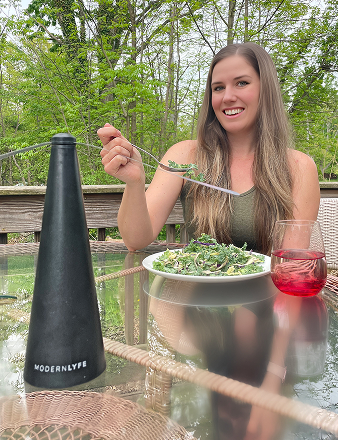
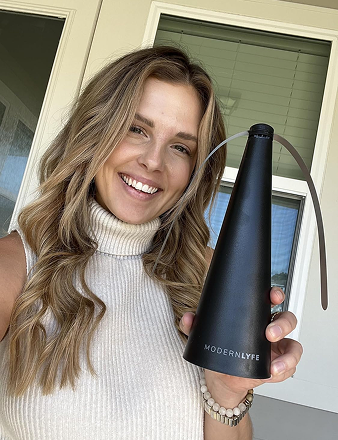
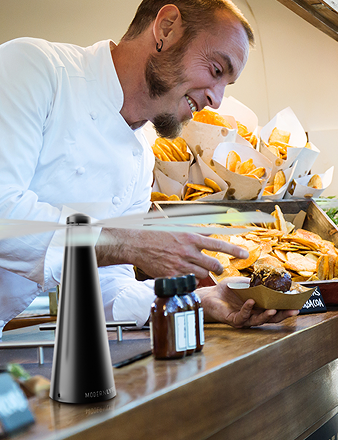
The event starts soon, the fly fans are still in their boxes, and nobody wants to stop setting tables to search for an order email or photograph a receipt. Registering commercial-grade event equipment is a small administrative job, but an incomplete warranty registration form can create avoidable work when a claim, service request, or safety notification arrives.
Treat the process like an operations checklist. Gather the product details, keep the purchase evidence readable, submit the required information first, and separate warranty administration from optional marketing questions. That approach protects your records without giving away more personal or business information than the registration requires.
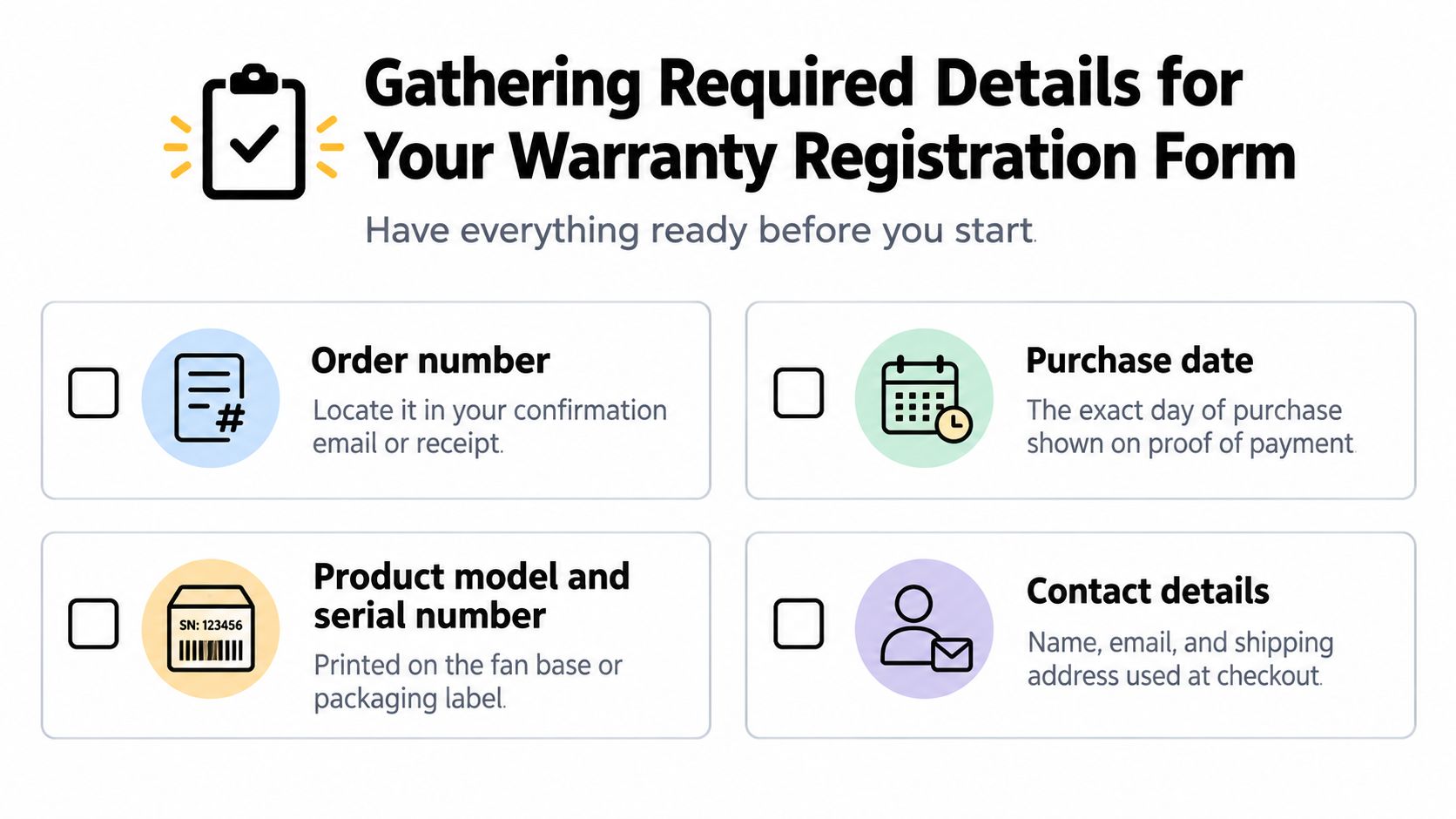
Gathering Required Details for Your Warranty Registration Form
A busy restaurant manager may open the form between a delivery and a private event. A caterer may be registering several fly fans after unpacking equipment at a venue. Before starting, put the product, order confirmation, and contact details in one place so you aren't switching between a phone, inbox, and packaging label.
Modern Lyfe's extended warranty registration page identifies core fields such as email address, first name, last name, phone number, and order number. Use the same spelling and contact details connected with the purchase. An incorrect order number or mistyped email can make a valid submission difficult to match with the sale.
Separate coverage fields from optional questions
The practical baseline is short:
- Owner details: Enter the name and email address used at checkout.
- Contact number: Provide a phone number the service team can use if email isn't enough.
- Order information: Copy the order number directly from the confirmation or invoice.
- Product identity: Have the model and serial number available if the form requests them.
- Purchase record: Keep the purchase date and retailer or sales channel nearby.
Independent warranty-management guidance recommends collecting only the information needed to identify the product and contact its owner. It specifically advises moving usage patterns, demographic questions, and marketing preferences outside the required path, because every extra field adds friction. This explanation of warranty registration cards is useful when you need to distinguish product identification from promotional data collection.
Optional questions can still help a manufacturer understand how customers use equipment, but they aren't automatically necessary to activate coverage. If a survey asks about household details, business type, or marketing interests, check whether the field is marked optional before completing it.
Practical rule: If a question doesn't identify the buyer, the product, the purchase, or a way to contact the owner, treat it as optional unless the warranty terms clearly say otherwise.
Preparing Acceptable Proof of Purchase Documentation
A warranty record needs evidence that connects the buyer, product, seller, and date. For a direct online purchase, that may be an order confirmation or invoice. For equipment bought through an authorized catering supplier, use the supplier's invoice and make sure the line item identifies the fly fan clearly.
A useful receipt should show the retailer's name and address or store number, the purchase date, the product purchased, itemized pricing, and the paid total. Those requirements are reflected in Samsung's receipt guidance, which also asks for a photo of the receipt and an approximate purchase date. Samsung's warranty registration guidance provides the relevant receipt details to check before uploading.
What an approver can verify
An acceptable document lets a reviewer answer four questions without guessing:
- Who sold the product? The retailer, distributor, or authorized supplier is identifiable.
- What was purchased? The invoice names the product or gives a recognizable model reference.
- When was it purchased? The exact date appears on the document.
- Was it paid for? The receipt or invoice shows the itemized amount and paid total.
A screenshot showing only a payment transaction may confirm that money changed hands, but it might not identify the product. A packing slip may show the item but omit the transaction date or paid status. A cropped image that cuts off the retailer name, order number, or product line can also trigger a request for clarification.
Make the upload easy to review
Photograph paper receipts in bright, even light. Keep the document flat, include all four corners, and check that small text remains readable when you zoom in. For digital invoices, upload the original file or a full-page screenshot rather than a cropped image with missing header information.
Use a filename that helps your own records, such as the order number and product model. Before submitting, open the file on the device you're using and confirm that the date, retailer, product description, and total are legible. Don't add unrelated documents containing unnecessary customer or staff information.
If the registration portal rejects the file, reduce its size without making the text blurry, or export the invoice as a standard document format accepted by the form. Keep the original receipt in your accounting or equipment folder. The upload supports the registration, but your original proof remains the safer record for future service work.
Submitting the Form Through Digital and Mobile Channels
The fastest submission is the one that survives validation. A desktop or tablet usually gives you more room to compare the form with an invoice, while a phone is convenient when you're working on-site but makes serial numbers and upload checks easier to get wrong. Online form benchmarks report a 63.37% start-to-complete rate for registration forms in one dataset, while another benchmark places average form completion around 51.7% and finds desktop completion roughly 8 to 9 percentage points higher than mobile completion. The online form benchmark data supports a simple operational choice: use a larger screen when the details are available.
A clean submission sequence
Start with the order confirmation and product packaging beside you. Then:
- Open the official registration page: Confirm the address before entering personal or order information.
- Enter contact details carefully: Use an email account that the person managing future claims can access.
- Copy the order number: Don't rely on memory or a partial reference from a shipping notification.
- Locate the product identity: Check the fan base or packaging label for the model and serial number.
- Upload proof of purchase: Review the image or file before moving forward.
- Check required fields: Look for hidden validation messages, missing checkboxes, or formatting prompts.
- Submit once: Repeated clicks can create confusion. Wait for the confirmation screen.
- Verify the email: Check the inbox, spam folder, and any company mail quarantine for the registration message.
A serial number should be copied exactly, including letters, zeroes, and hyphens. If the label is difficult to read, take a close photograph for your own reference, then type from that image instead of guessing. Don't replace a missing serial number with the order number unless the form explicitly permits it.
Digital forms also benefit from logic-driven form workflows, which show only relevant fields and reduce unnecessary entry steps. That principle is useful when evaluating any registration process, and Kiwiform's logic-driven form workflows offer a practical reference for how conditional form paths can reduce confusion.
Understanding Coverage Rules and Registration Deadlines
Registration and coverage aren't always the same thing. A product may have warranty rights tied to the original purchase and proof of purchase, while registration gives the manufacturer a cleaner owner record for service communication, recall notices, or administration.
Consumer guidance discussed in warranty-management materials notes that a receipt can often support a warranty claim even when the product registration wasn't completed. That doesn't override the terms for a particular product, so read the applicable warranty policy rather than assuming registration is either always mandatory or never relevant.
Check whether registration changes the benefit
Some manufacturers make registration a condition for a particular warranty tier or require it within a stated period. TCL Singapore, for example, says the original end-user purchaser must register within 3 days of purchase or delivery for the product warranty to be valid, with proof of purchase from an official sales channel and proof of registration with the authorized distributor. TCL Singapore's warranty policy shows why timing must be checked against the policy for the market and product.
Other policies connect registration to an extended benefit. American Standard states that its longer Registered Limited Warranty requires registration within 60 days of installation, along with owner, installation, dealer, serial-number, and installation-date details. American Standard's registration information illustrates the difference between ordinary warranty administration and a registration-dependent extended term.
For a Modern Lyfe fly fan, keep the receipt even after receiving a registration confirmation. Record the submission date, order number, and any warranty ID in the same equipment file. If you need support later, Modern Lyfe's warranty support services can help you use the correct service route instead of reconstructing the purchase history during an event.
Managing Privacy and Marketing Preferences During Setup
A registration form needs enough information to connect a person and a product. It doesn't automatically need every detail a business might use for advertising. That distinction matters when you register equipment used at a restaurant, hotel, catering operation, or private venue.
Warranty data can support service administration, safety notifications, and recalls. Privacy notices also describe broader uses such as analytics, reviews, marketing, and sharing with installers, distributors, or partners. Some companies may collect location, installation, or usage information, so read the notice instead of treating every field as part of coverage.
Make deliberate choices
Use this order of operations:
- Complete required warranty fields: Supply accurate identity, product, purchase, and contact information.
- Read consent language: Look for separate boxes covering promotional email, text messages, reviews, or partner contact.
- Leave marketing unchecked when you don't want it: An optional marketing consent should not be necessary to identify the product.
- Save the privacy notice: Keep a copy or note the version and date shown at registration.
- Record opt-out instructions: Use the unsubscribe or preference-management route if promotional messages begin later.
Do not provide demographic or usage information just because the form places it near the required fields. Warranty coverage should be tied to the published terms, not to a decision to receive promotions. For a useful comparison point, review how SupportGPT manages data when assessing how digital services describe collection, access, and compliance practices.
Register the equipment for service and safety communication. Subscribe to marketing only when it serves your operation.
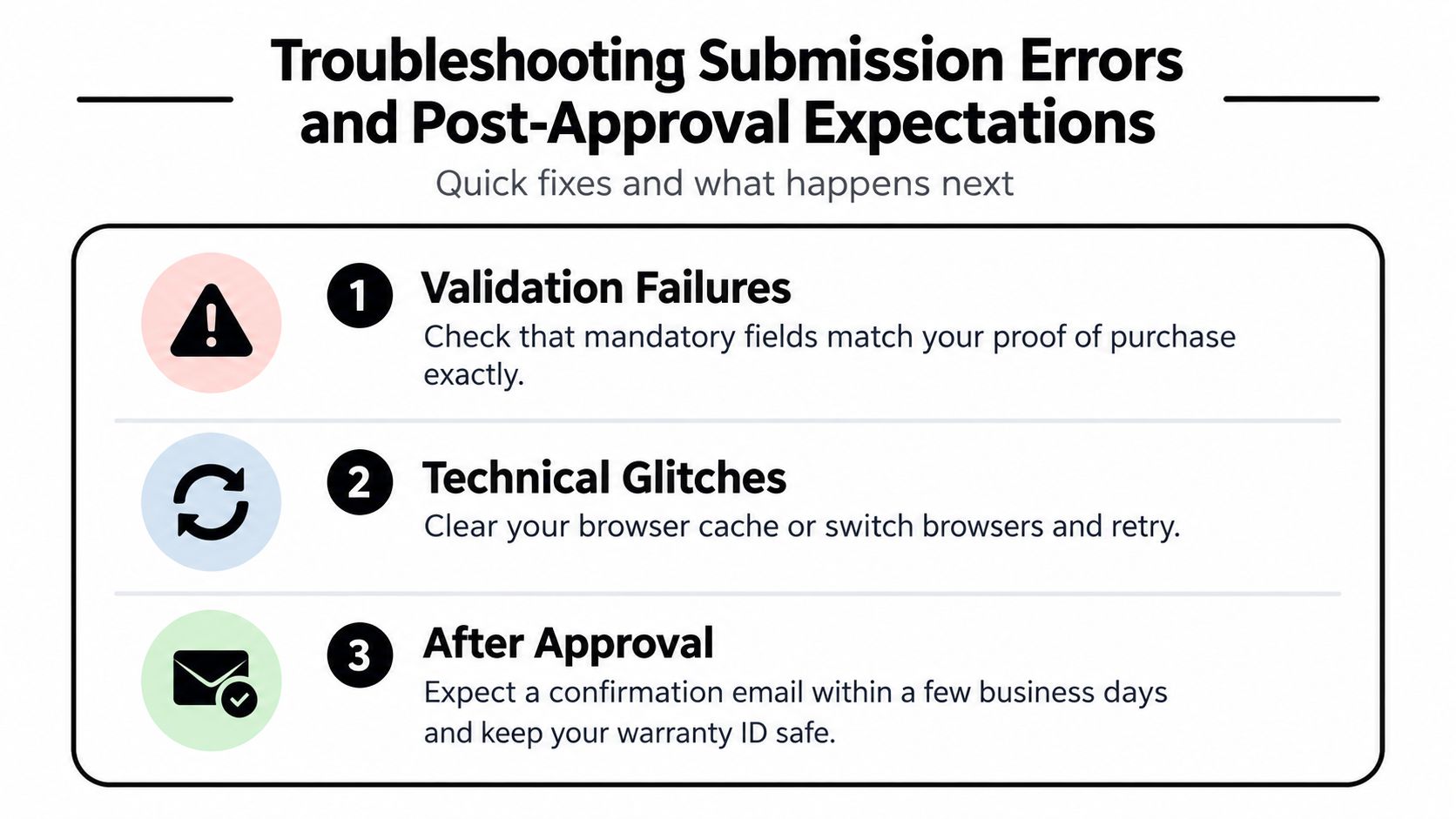
Troubleshooting Submission Errors and Post-Approval Expectations
A rejected submission usually points to a mismatch, an unreadable file, or a browser problem. Work from the exact error message instead of restarting the entire process without checking what failed.
Fix the common blockers
- Validation failure: Compare the order number, purchase date, model, and serial number with the proof of purchase. Correct punctuation and easily confused characters.
- File rejection: Recheck the file type, size, and legibility. Replace a blurry photo with a clear, full-document image.
- Missing confirmation: Search spam, promotions, and company quarantine folders. Confirm that the email address was entered correctly.
- Browser trouble: Refresh the page, clear the browser cache, or switch browsers. Don't submit sensitive details through an untrusted public device.
- Duplicate attempt: Check for a confirmation screen or email before starting another registration.
The form should display a success message after submission. Save the confirmation email, warranty ID, order number, and uploaded receipt together in a digital equipment folder. If the policy or confirmation message gives a processing period, use that as your reference. Otherwise, contact Modern Lyfe support if no confirmation arrives after a reasonable business interval, and provide the order number rather than sending multiple duplicate forms.
The Modern Lyfe registration process is the appropriate record to consult when you need to confirm the next step or locate the correct registration route.
Modern Lyfe offers battery-operated, quiet fly fans for restaurant tables, hotel events, catering setups, outdoor receptions, and home gatherings, with warranty registration and customer assistance available for ownership records. Visit MODERN LYFE to review the equipment options, then register your purchase with the required details and keep the confirmation with your event operations paperwork.